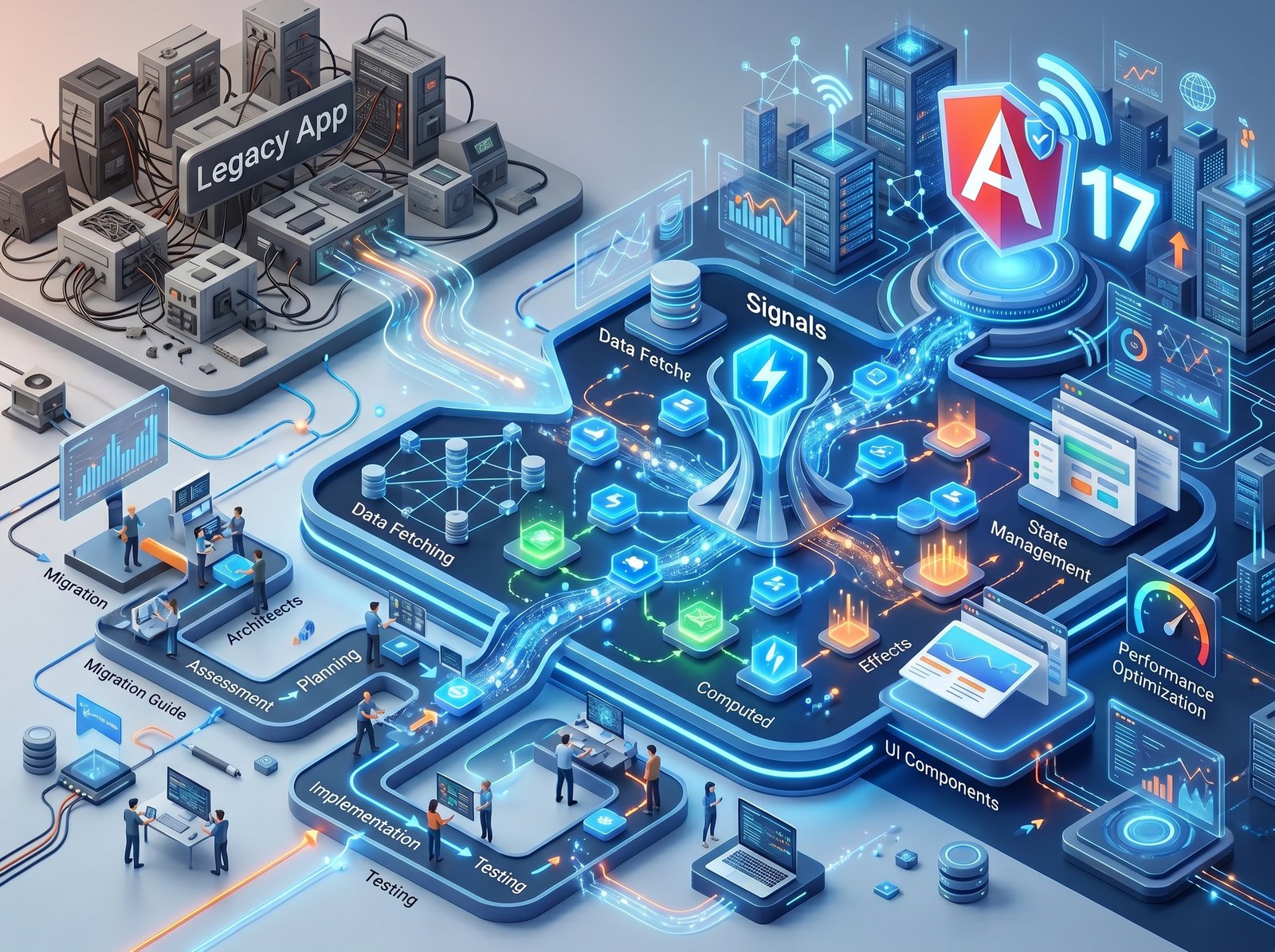
Angular Signals represent the biggest shift in Angular's reactivity model since the framework launched. Introduced as a developer preview in Angular 16 and stabilized in Angular 17, Signals replace Zone.js-based dirty checking with fine-grained, dependency-tracked reactivity. We migrated a 200,000-line enterprise Angular application to Signals over three months. Here's exactly how we did it — and what we learned.
What Are Angular Signals?
A Signal is a reactive container for a value. When a Signal's value changes, Angular automatically knows which components and computations depend on it — and only re-renders those. There is no broad "check everything" pass. This is fundamentally more efficient than Zone.js, which monkeypatches browser APIs to detect async operations and then checks the entire component tree.
Think of it
like Vue's ref()
or SolidJS's createSignal()
— a value wrapper that automatically tracks who reads it and notifies them when it changes.
Step 1: Replace Class Properties with signal()
The first step is converting mutable component state to Signals. This is mechanical and safe — it won't break any existing functionality.
// Before
count: number = 0;
users: User[] = [];
isLoading: boolean = false;

// After
count = signal(0);
users = signal<User[]>([]);
isLoading = signal(false);
To update a
Signal's value, use .set()
or .update():
this.count.set(5)
or this.count.update(v => v + 1).
Step 2: Update Templates to Call Signals
Signals are
functions — you must call them with ()
in templates to read their value. This is the most common migration mistake.
<!-- Before -->
<p>{{ count }}</p>
<ul><li *ngFor="let u of users">{{ u.name }}</li></ul>

<!-- After -->
<p>{{ count() }}</p>
<ul><li *ngFor="let u of users()">{{ u.name }}</li></ul>
Step 3: Replace Getters with computed()
computed()
creates a derived Signal whose value is automatically recalculated whenever its dependencies change.
It memoizes the result — it only recalculates when needed.
// Before (re-calculates on every change detection cycle)
get totalPrice(): number {
  return this.items.reduce((sum, item) => sum + item.price, 0);
}

// After (only recalculates when items Signal changes)
totalPrice = computed(() =>
  this.items().reduce((sum, item) => sum + item.price, 0)
);
Step 4: Replace ngOnChanges with effect()
effect()
runs a side effect whenever its Signal dependencies change. Use it for logging, syncing to
localStorage, or triggering imperative actions.
constructor() {
  effect(() => {
    // Runs whenever this.userId() changes
    console.log('User changed:', this.userId());
    localStorage.setItem('lastUserId', this.userId().toString());
  });
}
Step 5: Modernise @Input and @Output
Angular 17.1
introduced Signal-based input()
and output().
These replace the decorator-based @Input()
and @Output(),
and integrate seamlessly with the Signal reactivity model.
// Before
@Input() title: string = '';
@Output() selected = new EventEmitter<Item>();

// After
title = input<string>('');
selected = output<Item>();
Common Pitfalls to Avoid
- Don't write to a Signal inside computed(). This creates a circular dependency and will throw a runtime error. Computed Signals are read-only derived values.
- Don't call Signals inside a constructor synchronously outside of effect(). Signal reads in constructors don't establish reactive tracking — use effect() or lifecycle hooks.
- Bridge RxJS with toSignal() and
toObservable(). You don't need to convert everything at once. Use
toSignal(this.httpService.getUsers())to turn an Observable into a Signal, ortoObservable(this.userSignal)to go the other way. - Remember to provide an initialValue for
async Signals.
toSignal(http$, { initialValue: [] })— without this, the Signal isundefineduntil the Observable emits.
The Results in Our 200K-Line Enterprise App
After completing the migration, we measured concrete improvements: change detection cycles dropped by 73%, frame rate in complex list views improved from 45fps to a consistent 60fps, and memory usage decreased by 22% due to fewer Zone.js micro-tasks. The team also reported that the new code is significantly easier to reason about — no more debugging mysterious Zone.js timing issues.
Need Help With Your Angular Migration?
Our Angular experts have migrated large-scale enterprise applications to Signals with zero downtime. We can do the same for your team.
Talk to Our Angular Team →.jpeg)